Command Palette
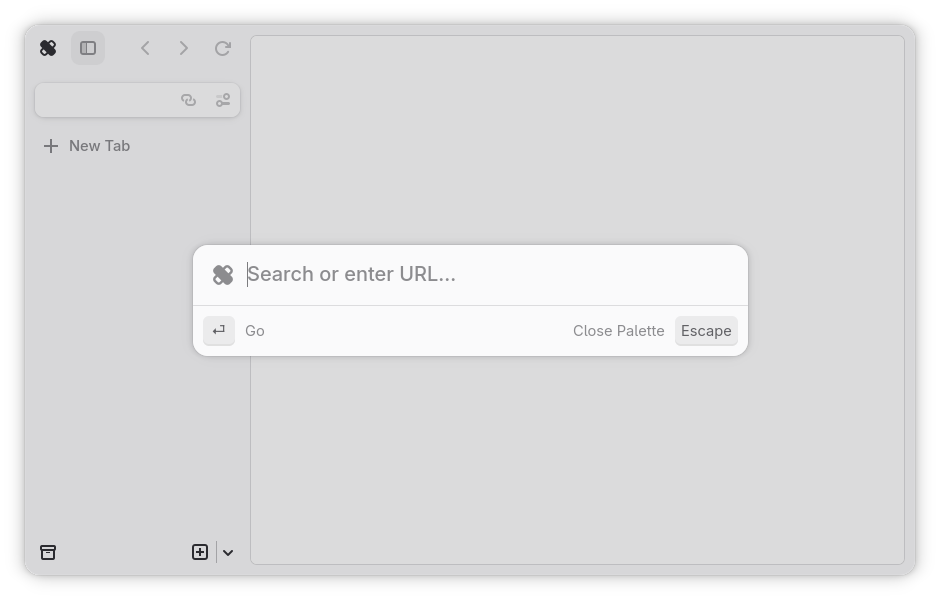
The command palette is the main way of getting around Ouch Browser, and the first element displayed on startup. Think of it as the search bar of a conventional web browser, but contains more features. Command palette includes support for !bangs and search autocompletion out of box, which can both be disabled inside preferences. The command palette can be summoned using Ctrl + T for a new tab, Ctrl + L or Alt + D to change the current tab’s URL (considered the de-facto main way to summon the palette).
!bangs
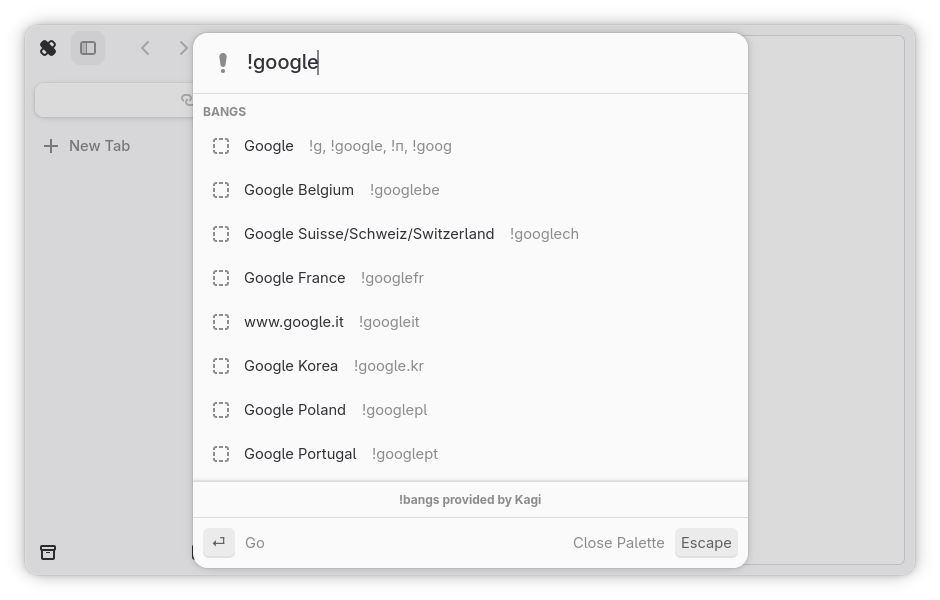
!bangs help you search websites that are not conventional search engines. Autocompletion is possible via preferences, but may use an significant amount of resources due to the large amount of !bangs stored.
Search
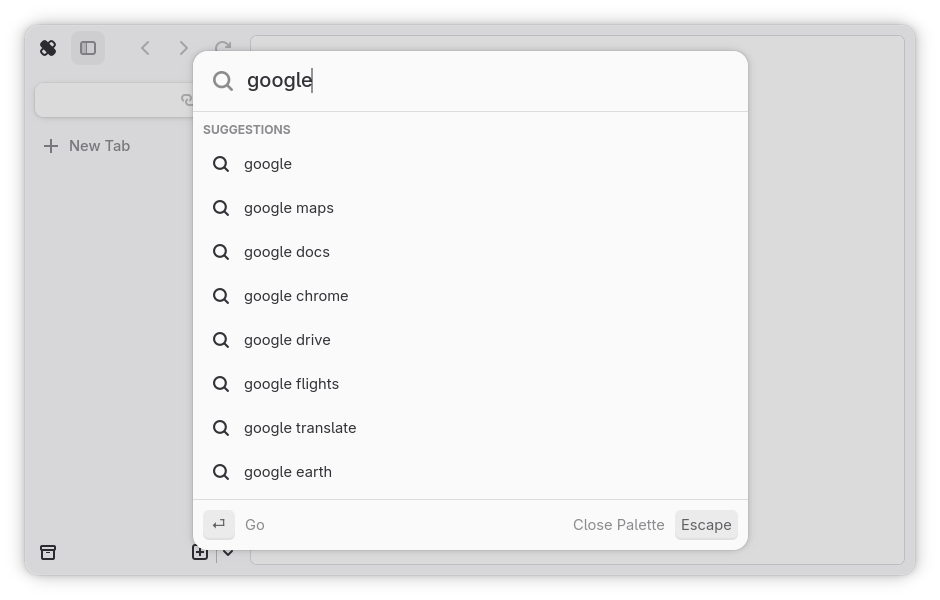
Search allows you to search the internet using the search engine selected in preferences. Due to technical limitations, the command palette only fetches autocomplete results from DuckDuckGo. Autocompletion can be disabled in preferences.